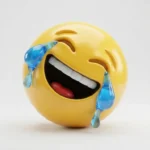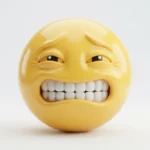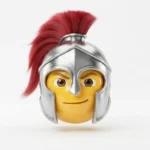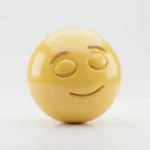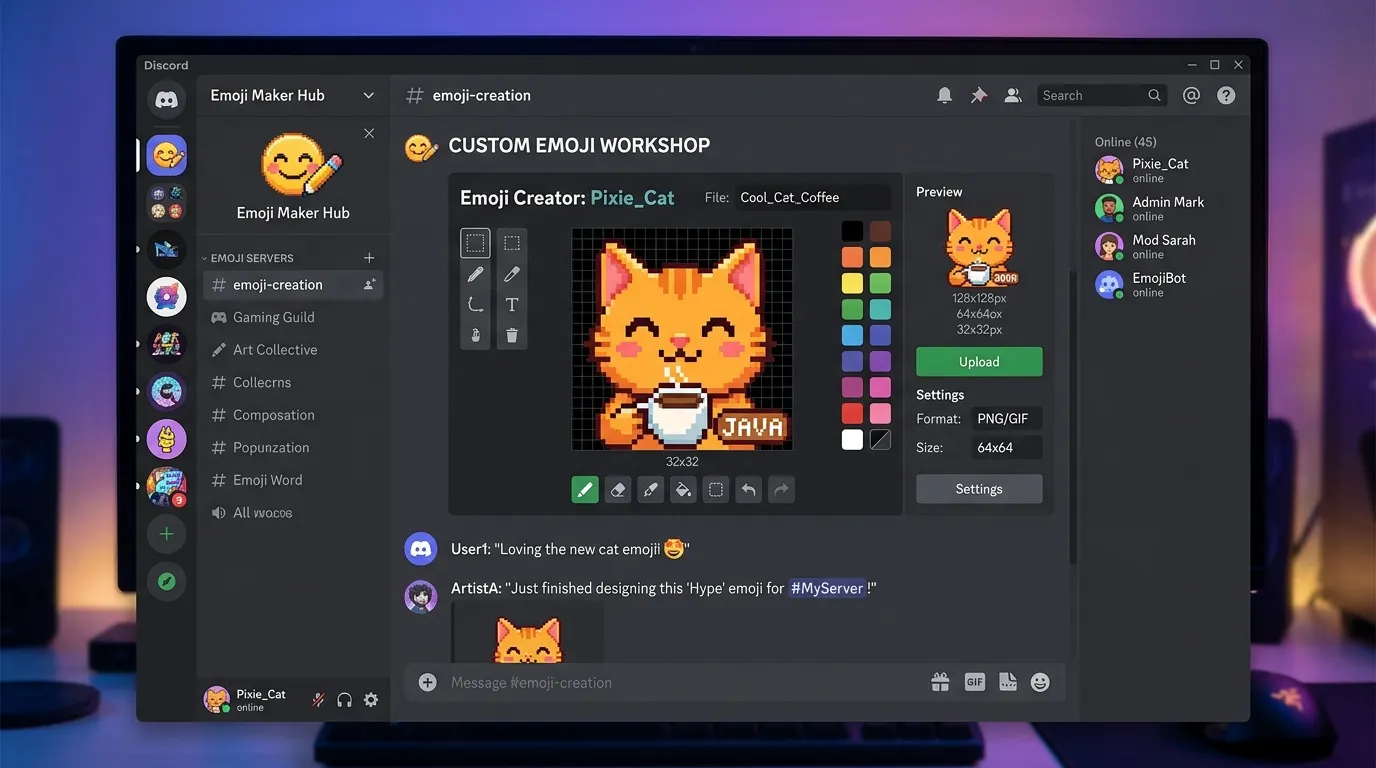
Custom emojis can turn an ordinary Discord server into a more recognizable and engaging community. Instead of relying only on standard emojis, you can create original expressions, characters, symbols, and reactions that match your server’s personality.
An Emoji Maker Discord tool makes this process easier by helping you design an image specifically for use as a Discord custom emoji. Whether you’re creating a funny reaction, a community mascot, or a simple text-based expression, the right design tool can help you prepare an emoji that looks clear at a small size.
What Is an Emoji Maker for Discord?
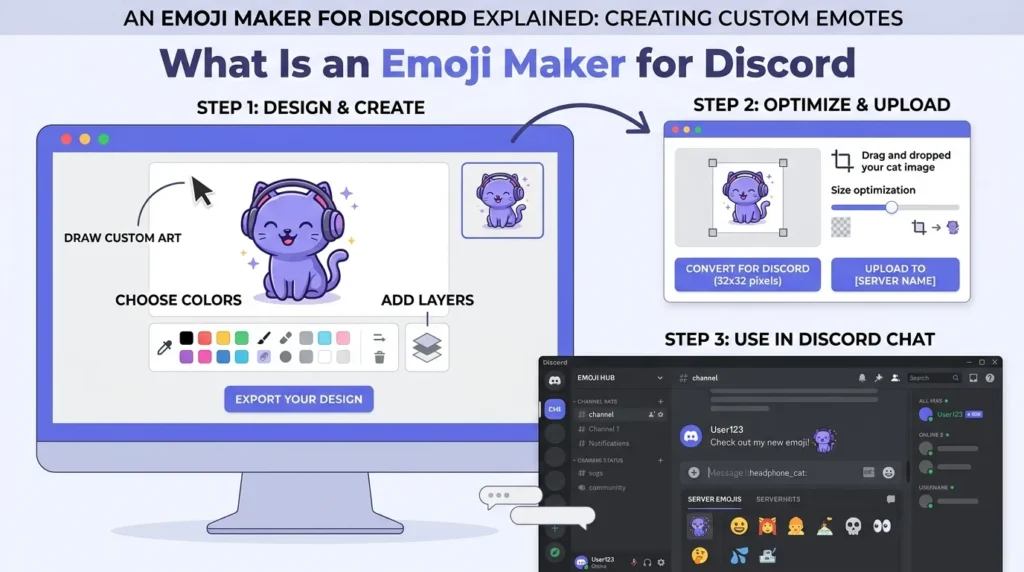
An Emoji Maker Discord tool is a design application or online service used to create images that can be uploaded as custom Discord emojis. These tools may provide templates, drawing features, text options, backgrounds, shapes, and image-editing controls.
The goal is simple: create a compact graphic that communicates an expression or idea quickly. A good custom emoji should remain recognizable even when it appears beside fast-moving messages.
Discord allows eligible users to add custom emojis to servers. Custom emojis can be static or animated, depending on the available server features and the file being uploaded.
Why Use a Discord Emoji Maker?
Creating an emoji from scratch can be difficult if you aren’t familiar with image-editing software. Emoji-making tools simplify the process by providing features designed for quick visual creation.
They can be useful for:
- Creating unique reaction emojis
- Designing community-themed graphics
- Making original character expressions
- Turning artwork into small emoji images
- Adding text-based reactions
- Building a consistent visual style
For example, a gaming community might create an original reaction face for winning a match, while a study community could use custom expressions for common classroom moments.
What Should a Good Discord Emoji Look Like?
The most important quality of a custom emoji is clarity. Discord emojis are displayed relatively small, so tiny details can disappear.
Start with one recognizable idea. A simple facial expression or bold symbol often works better than a complicated illustration containing many elements.
Consider these design principles:
Keep the subject clear. Make sure the main character or symbol is easy to identify.
Use readable shapes. Strong outlines and simple forms can remain visible when the image is reduced.
Avoid excessive text. Words can become difficult to read when an emoji is displayed at a small size.
Test the image at its intended display size. A design that looks excellent when enlarged may lose its expression when reduced.
Discord Emoji File Requirements
Before uploading a custom emoji, check the current Discord requirements. Discord’s support documentation states that custom emoji uploads can use JPEG, PNG, GIF, and WEBP files, with an upload limit of 256 KB. Discord recommends dimensions up to 128 × 128 pixels. (support.discord.com)
Animated emojis use GIF files, while static designs can use supported still-image formats.
Because requirements and features can change, checking Discord’s current documentation before preparing a large collection of emojis is a sensible step.
How Emoji Maker Tools Work
Most emoji maker tools follow a straightforward creative process.
First, choose the basic concept. You might start with a face, animal, character, symbol, or original drawing.
Next, customize the design. Depending on the tool, you may be able to change colors, add shapes, insert text, remove backgrounds, or adjust the image.
After that, export the finished design in a Discord-supported format. Make sure the file meets the current size requirements before attempting an upload.
Finally, preview the emoji at a small size. If the expression isn’t immediately recognizable, simplify the design before uploading it.
Types of Discord Emoji Makers
Different tools are useful for different creative goals.
Template-based makers are convenient when you want to start with an existing design structure. You can customize elements without drawing everything manually.
Image editors provide more control over original artwork, cropping, transparency, and detailed adjustments.
Drawing tools are useful when you want to create an emoji entirely from your own artwork.
Animated editors can help create short looping reactions when your Discord server supports animated custom emojis.
The best choice depends on how much control you want over the final design.
Creative Discord Emoji Ideas
A custom emoji doesn’t need to be complicated to become popular within a community.
Reaction Emojis
Create original expressions for common reactions such as surprise, confusion, celebration, or laughter.
Community Mascots
If your server has an original mascot, turn its recognizable expressions into a collection of custom emojis.
Inside Jokes
A recurring joke can become a memorable visual reaction. Make sure the joke is appropriate for the community and understandable to the intended audience.
Text Expressions
Short phrases can work as emojis when the lettering remains readable. Keep the wording brief and the typography simple.
Event Emojis
Communities can create original designs for birthdays, competitions, celebrations, or other server events.
Tips for Better Discord Emojis
Start with a small collection rather than creating dozens of designs at once. Test your first few emojis with your community and see which expressions are easiest to understand.
Consistency can also make a server’s emoji collection feel more professional. Using related visual elements, similar character designs, or a consistent illustration style can create a recognizable identity.
Most importantly, use artwork that you created yourself or have permission to use. Avoid copying another artist’s work, logo, or character without appropriate rights.
Discord’s policies also apply to custom emojis, so designs should follow the platform’s Terms of Service and Community Guidelines. (discord.com)
How to Add a Custom Emoji to Discord
Once your design is ready, an eligible server owner or member with the required permission can add it through the server’s settings.
Discord’s documentation explains that users with the appropriate Create Expressions permission can add custom emojis. On desktop or browser, Discord also provides Emoji Studio for certain emoji-creation workflows. (support.discord.com)
After uploading the image, give the emoji a short, recognizable name. A clear name makes it easier for members to find and use.
Frequently Asked Questions
What is the best Emoji Maker Discord tool?
There isn’t one tool that is best for everyone. Template makers can be convenient for beginners, while image and drawing editors provide more control over original artwork.
What size should a Discord emoji be?
Discord recommends dimensions up to 128 × 128 pixels, while the uploaded file must currently be below 256 KB. (support.discord.com)
Can Discord emojis be animated?
Yes. Discord supports animated custom emojis using GIF files, subject to the server’s available features and limits. (support.discord.com)
Can anyone upload an emoji?
No. The server owner or someone with the appropriate permissions can add custom emojis. (support.discord.com)
Conclusion
An Emoji Maker Discord tool can make custom emoji creation much easier, especially when you want original reactions without complicated design software.
Focus on clarity, originality, and a design that remains recognizable at a small size. With a thoughtful collection of custom emojis, a Discord server can develop its own visual language and make everyday conversations more expressive.